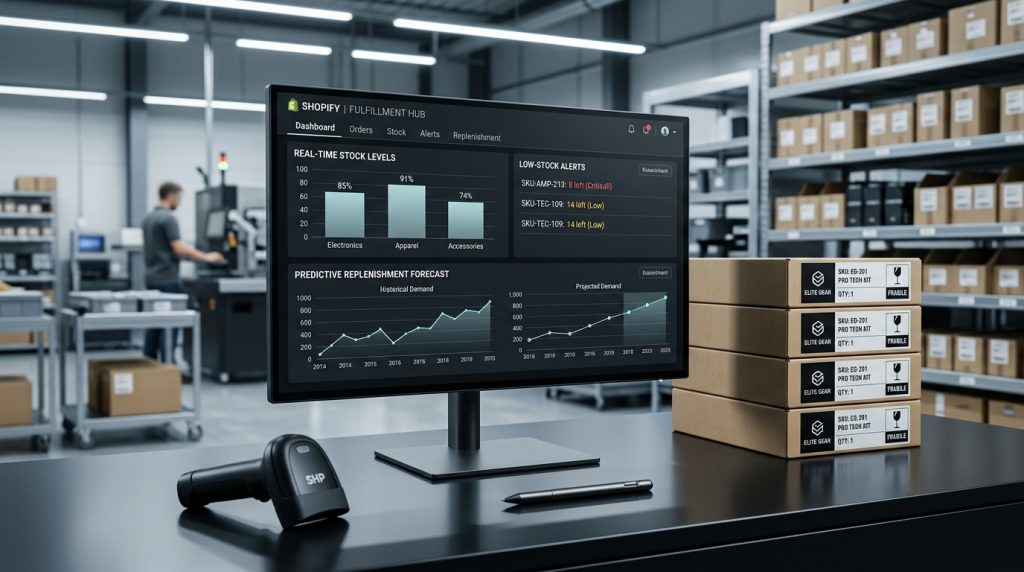
Inventory management is one of those operational essentials that gets overlooked until it goes wrong. When it works well, customers get what they ordered on time. When it fails, you sell things you cannot deliver, miss sales on things you actually have, or waste money on excess inventory.
Shopify includes inventory management capabilities that handle basic and moderately complex needs. For most stores, the built-in features are enough. For more sophisticated operations, additional tools extend what Shopify provides.
This piece covers how Shopify’s inventory system works, how to configure it for your business, and how to avoid common inventory problems.
Why Inventory Management Matters
The consequences are concrete.
Overselling
Selling more than you have creates real problems. Customers place orders you cannot fulfill. Cancellations and refunds cost money and damage reputation. Angry customers leave negative reviews.
Underselling
The opposite problem. You think you are out when you actually have inventory. Products get marked unavailable. Customers cannot buy things you actually have.
Cash Flow
Inventory ties up money. Too much inventory means capital sitting in warehouses. Too little means missed sales. Getting the balance right matters for cash flow.
Fulfillment Efficiency
Knowing what you have where lets you fulfill orders efficiently. Poor inventory visibility creates picking problems, shipping delays, and frustrated customers.
Purchasing Decisions
Good inventory data drives good purchasing decisions. Which products to reorder. How much to order. When to discontinue slow movers. Data-driven decisions produce better results than guesses.
Enabling Inventory Tracking
The starting point.
On Each Product
Under each product’s inventory settings, you can enable inventory tracking. Once enabled, Shopify tracks quantity for that product or variant.
Track Quantity Option
Check “Track quantity” to enable tracking. Uncheck it if inventory does not need to be tracked (services, digital products, unlimited items).
Set Initial Quantity
Enter the current stock quantity. This becomes the starting point.
Continue Selling When Out of Stock
You can allow customers to place orders when inventory reaches zero. Useful for pre-orders or backorders. Off by default.
SKU & Barcode
For inventory tracking, having SKUs helps. Barcodes matter for barcode-based operations.
Inventory in the Admin
Where to see what you have.
Product Inventory View
Each product page shows current inventory. For products with variants, shows inventory per variant.
Inventory Report
Under Analytics or Reports (depending on plan), inventory reports show stock levels across products.
Inventory Adjustments
You can manually adjust inventory levels. Received shipments. Damaged goods. Inventory audits. Each adjustment gets logged.
Low Stock Alerts
Configure notifications when inventory gets low. Prevents surprise stockouts.
Inventory History
Shopify tracks inventory changes over time. See what got added, sold, and adjusted.
Managing Inventory Across Locations
For businesses with multiple locations.
Multi-Location Inventory
Shopify supports tracking inventory at multiple locations. Each location has its own inventory count for each product.
Setting Up Locations
Under Settings > Locations, add each location. Warehouse, retail store, wherever you hold inventory.
Assigning Inventory
For each product, assign inventory across locations. What is at the warehouse. What is at each store.
Order Routing
Shopify can route orders to specific locations based on inventory availability. Reduces shipping time and cost.
Location Reports
Reports can filter by location. See performance and inventory at each location separately.
Inventory During Fulfillment
Managing stock as orders happen.
Automatic Reduction
When orders are placed, inventory automatically reduces. The system handles this.
Order Cancellations
If orders get canceled before fulfillment, inventory should be restored. This is usually automatic but verify it works.
Returns & Refunds
When items get returned, inventory should be restored (if the returned items are resaleable). Configure this behavior.
Damaged Goods
For inventory that becomes damaged, adjust the count. Log the reason for reporting.
Purchase Orders & Restocking
Adding inventory when new stock arrives.
Manual Adjustments
For basic operations, manually adjust inventory when new stock arrives. Simple but manual.
Purchase Order Systems
For more sophisticated operations, purchase order management tracks orders to suppliers, expected arrival dates, and updates inventory when received.
Some Shopify apps provide purchase order functionality. Or dedicated inventory management systems integrate with Shopify.
Reorder Points
Setting reorder points helps automate purchasing. When inventory drops below a threshold, alerts or automatic reorders kick in.
Historical Data for Decisions
Sales history helps decide how much to reorder. Products with fast turnover need larger reorders. Slow movers need less.
Barcode Scanning
For operational efficiency.
When Barcodes Matter
For businesses with physical inventory management (warehouses, retail stores), barcode scanning speeds up operations significantly.
Shopify POS
Shopify’s Point of Sale system integrates barcode scanning for retail operations. Scan products at checkout. Scan for inventory receiving.
Third-Party Apps
Various apps provide barcode functionality for warehouse operations. Receiving, picking, inventory audits.
Setup Requirements
Barcode scanners, mobile devices, and appropriate apps. The investment depends on operation size and complexity.
Inventory Reporting
Understanding what your inventory is doing.
Stock On Hand Reports
Current inventory levels across products and locations.
Sell-Through Rate
How quickly inventory is selling. Fast turnover products versus slow ones.
Days of Inventory Remaining
At current sales rates, how long will current inventory last?
Historical Inventory Value
Inventory value over time. Useful for accounting and business analysis.
Product Performance
Which products sell best. Which sit on shelves. Which have high margins. Data drives decisions about which to promote and which to discontinue.
Handling Stockouts
When inventory reaches zero.
Product Availability
Out-of-stock products can either be hidden or shown as unavailable. Themes handle this differently.
Notify When Available
Email signup for when the product returns. Captures interested customers.
Backorder Handling
If you allow orders when out of stock, communicate expected shipping timeframes clearly. Set expectations properly.
Alternative Suggestions
For out-of-stock products, showing similar available products can save the sale.
Preventing Repeated Stockouts
If specific products stock out repeatedly, that indicates ordering problems. Larger orders, better forecasting, or supplier issues need addressing.
Inventory During Sales Events
Special situations.
Preparing for Promotions
Before running sales, verify inventory can handle expected demand. Nothing worse than promoting products that sell out immediately.
Flash Sales
Very short sales create demand spikes. Have appropriate inventory. Handle overselling risk with appropriate settings.
Product Launches
New product launches may generate significant demand. Have adequate inventory from the start.
Seasonal Products
Seasonal products need timing. Adequate inventory during season. Managing remainders after season.
Inventory Management Apps
Extended capabilities.
When You Need More
Basic Shopify inventory works for many stores. For businesses with more complex needs, dedicated inventory management apps or software provide more capability.
Popular Options
Stocky is Shopify’s own advanced inventory app. Included with certain plans.
Skubana, Cin7, Zoho Inventory, and other systems handle sophisticated inventory operations.
Merchmatica and similar apps focus on specific inventory management needs.
When to Consider Upgrades
Multiple sales channels beyond Shopify. Complex supplier relationships. Warehouse management needs. High SKU counts. Regulatory tracking requirements.
Each of these can justify moving beyond Shopify’s built-in inventory.
Common Inventory Mistakes
Store owners stumble in predictable ways.
Not Tracking Inventory
Skipping inventory tracking to avoid the setup work. Then experiencing overselling and stockout problems.
Inaccurate Counts
Not doing regular physical counts to reconcile system inventory with actual inventory. Discrepancies accumulate.
Ignoring Slow Movers
Products that do not sell tie up capital and warehouse space. Not identifying and addressing them.
Reactive Instead of Proactive
Waiting until stockouts happen instead of monitoring trends and reordering proactively.
Wrong Reorder Quantities
Ordering too much of slow movers. Ordering too little of fast movers. Wasteful in both directions.
Not Using Location Features
Treating multi-location inventory as one pool. Missing efficiency opportunities.
Manual Adjustments Without Records
Adjusting inventory without noting why. Creates confusion later.
Ignoring the Data
Not looking at inventory reports. Missing patterns that would inform better decisions.
Closing Thoughts on Managing Your Stock
Inventory management is one of those operational disciplines that separates well-run e-commerce businesses from struggling ones. Getting inventory right affects customer experience, cash flow, and profitability directly.
For most Shopify stores, the built-in inventory features handle what is needed. Track quantities. Enable low stock alerts. Adjust when needed. Report on what is happening.
For businesses with more complex operations, extending Shopify with dedicated apps or integrating with warehouse management systems provides more capability. The right choice depends on operation complexity.
The setup work matters. Enable tracking on products. Set accurate initial quantities. Configure notifications. Set up locations if applicable. These initial configurations set the foundation for accurate ongoing operations.
The ongoing work matters more. Adjust inventory when things happen physically. Do regular physical counts to reconcile. Watch reports and act on what they show. Address inventory issues before they become customer problems.
For businesses that have been running without inventory discipline, tightening up is worthwhile. The problems that seemed unavoidable often trace back to poor inventory management. Better tracking, better data, and better processes reduce those problems significantly.
For new stores, starting with good inventory practices prevents years of problems. Enable tracking from day one. Do regular counts. Watch the data. The habits established early become the foundation for growing operations.
Inventory management is not glamorous. It is operational discipline. But well-managed inventory is one of the differences between businesses that grow smoothly and businesses that constantly fight fires. The customers who get what they ordered when they expected it stay customers. The business that knows what it has where operates efficiently. Take inventory seriously, use the tools Shopify provides, and the operational foundation of your store becomes strong enough to support real growth.